






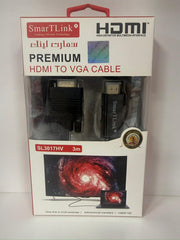

Description
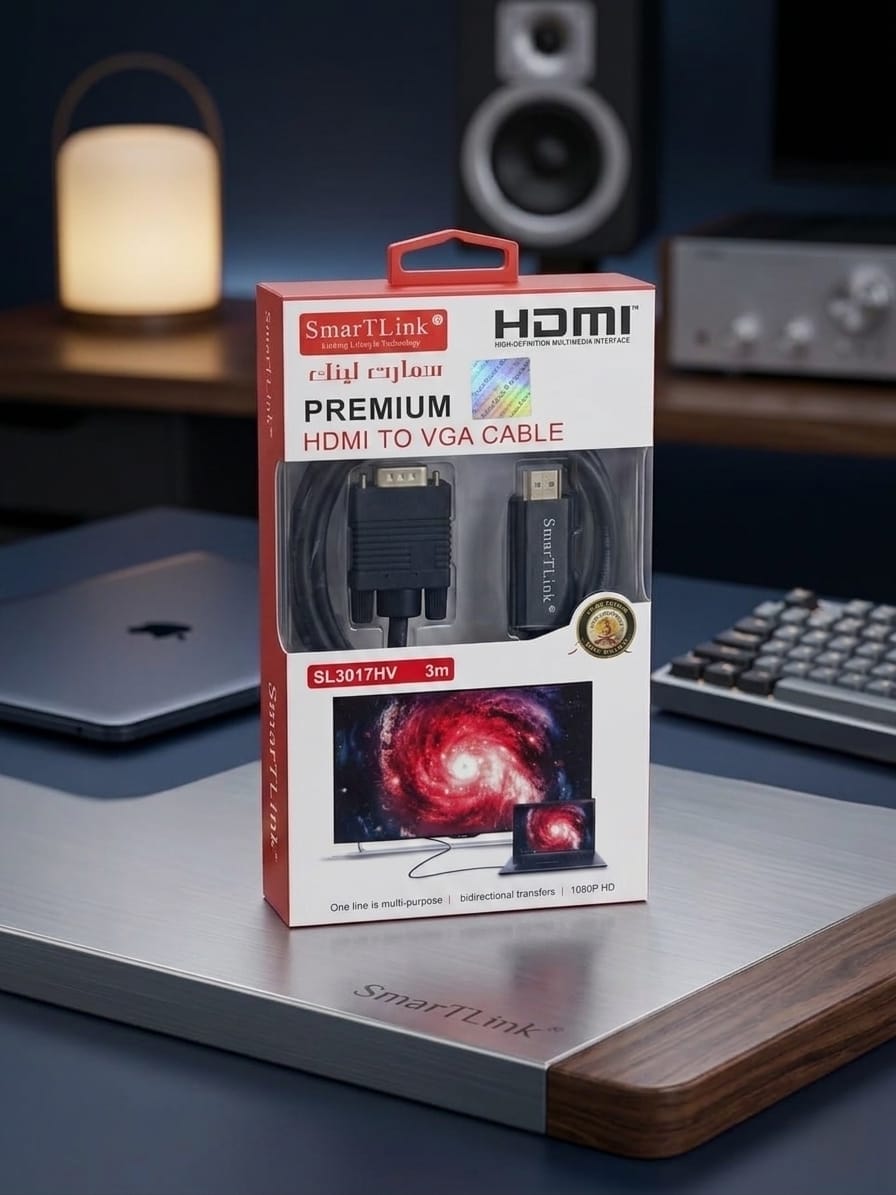
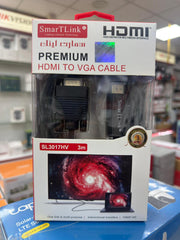
xA 3-meter (approximately 9.8 feet) HDMI to VGA cable, including those branded under names like SmartLink, is designed to bridge the gap between modern digital video sources and older analog displays [cite: 1.1.1, 1.1.3]. This length provides significant flexibility for connecting devices that are positioned a considerable distance apart.
Here is a comprehensive breakdown of its key features, how it functions, and critical usage considerations based on standard specifications for this type of technology.
Direct Features of a 3M HDMI to VGA Cable:
-
Unidirectional Signal Conversion: The most important thing to know is that these cables are typically active signal converters that work in one direction only: from an HDMI source output to a VGA display input [cite: 1.1.2, 1.2.1]. They convert the digital signal from your source device into an analog signal for your screen. They cannot be used in reverse (cite: to connect a VGA computer to an HDMI monitor).
-
3 Meter Length: The generous 3-meter length offers freedom in positioning your connected devices, making it suitable for larger home, office, or classroom setups [cite: 1.1.3].
-
Video Resolution Support: Most standard HDMI to VGA cables reliably support video resolutions up to Full High Definition (1080p) at a standard refresh rate of 60Hz [cite: 1.1.2, 1.1.3]. Lower resolutions are also supported [cite: 1.2.1].
-
Audio Considerations: HDMI signals carry both high-definition video and multi-channel audio [cite: 1.2.1]. In contrast, the VGA standard only supports video transmission (cite: [1.2.1]). Therefore, a standard "HDMI to VGA" cable will typically not transmit audio to your display [cite: 1.2.3].
-
Handling Audio: To get sound, you will almost always need to run a separate audio cable (cite: [1.2.3]) (cite: such as a 3.5mm auxiliary cable) from your computer's headphone jack to your speakers or to an audio input on your display device.
-
Hassle-Free Setup (cite: in many cases): Many of these cables are described as "plug-and-play" because an internal active chip handles the conversion [cite: 1.1.2, 1.1.3]. For standard installations with regular power-outputting HDMI ports, no external power supply or special drivers are needed [cite: 1.1.3].
-
Power Requirements: The internal conversion chip requires a small amount of power to operate. While most modern laptops and desktop PCs provide enough power through their HDMI port for this, some low-power source devices (cite: like some tablets, micro-computers, or streaming sticks) may not, in which case the cable might not function correctly [cite: 1.2.1].
- Choosing a selection results in a full page refresh.